top of page

Onshape Tutorials
Comprehensive guides focused on Onshape skills for D&T classrooms.

Getting Started
Start here with friendly, step-by-step Onshape tutorials that introduce the essential tools and workflows for classroom projects.

Basic Features
Build your confidence with core Onshape skills, including sketching, extruding, filleting, engineering drawings, assemblies, and adding colour to simple designs.

Advanced Features
Explore advanced Onshape techniques including Boolean operations, surfacing, different assembly types, and exploded views for more complex designs.
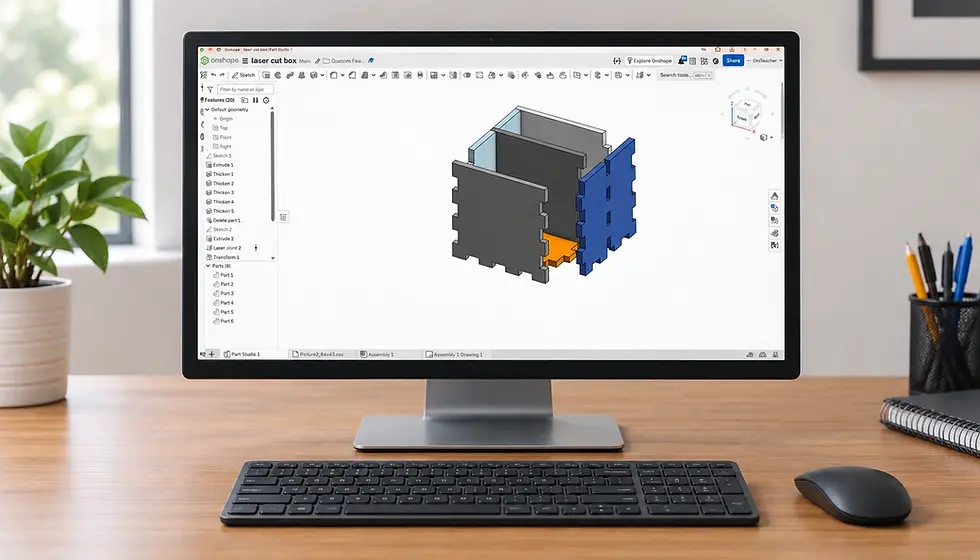
Custom Features
Under construction — coming soon. New custom feature tutorials will be added here.

Common Mistakes and Errors
Under construction — coming soon. New tutorials on common mistakes and errors will be added here.
bottom of page